Guides

How-to guides

Step-by-step guides for the people who set up TeqComms and the crew who use it, with screenshots from the real apps. Free to download, print and share.

Video · 2 minutes

Set up TeqComms, start to finish

Start the host, get the crew to scan and join, give roles, send a cue, run the setup check and activate your plan.

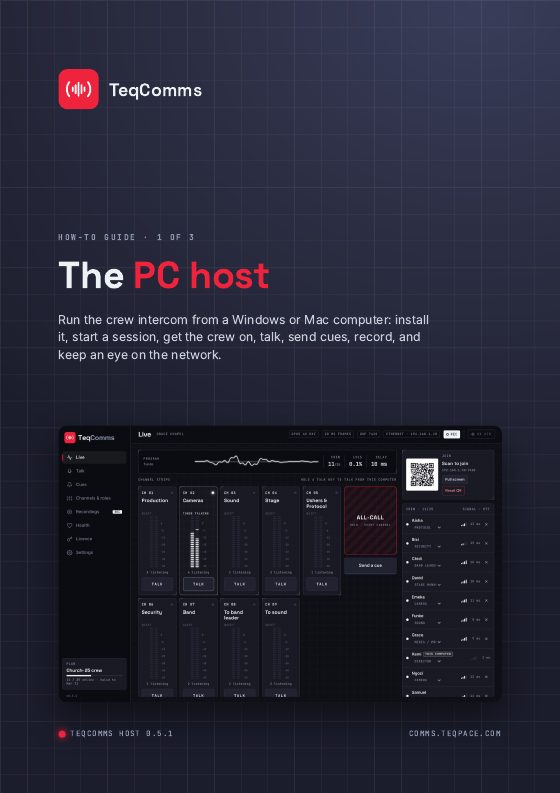
Cover of the PC host guide
Guide 1 · 18 pages

The PC host

For whoever runs TeqComms Host on a Windows or Mac computer.

  • Install, firewall and Mac permissions
  • Start a session, show the QR, give roles
  • Talk from the computer, send cues
  • Channels and roles, recording, health
  • Licence, plans, troubleshooting, day-of checklist
Download PDF · 4.1 MB
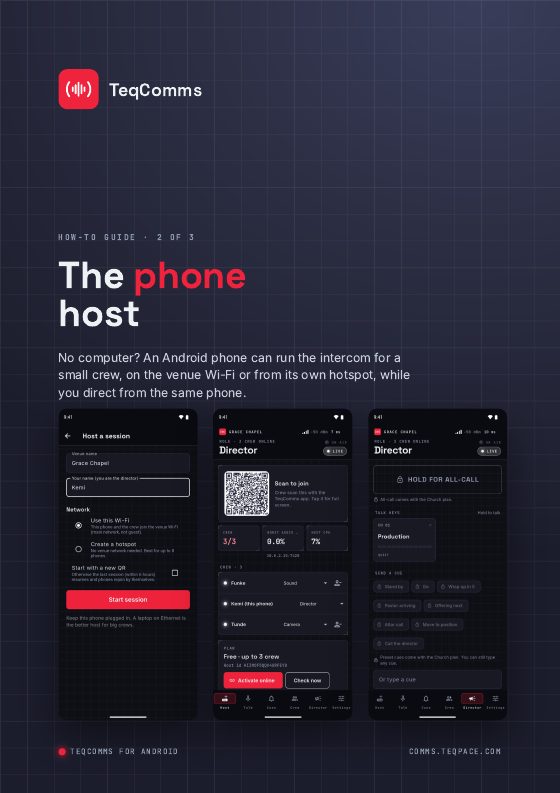
Cover of the phone host guide
Guide 2 · 11 pages

The phone host

For hosting a small crew from an Android phone, on venue Wi-Fi or its own hotspot.

  • When a phone host is right
  • Start hosting, the hotspot join
  • The Host tab: QR, crew, roles
  • Direct from the same phone
  • Licence, battery savers, troubleshooting
Download PDF · 3.1 MB
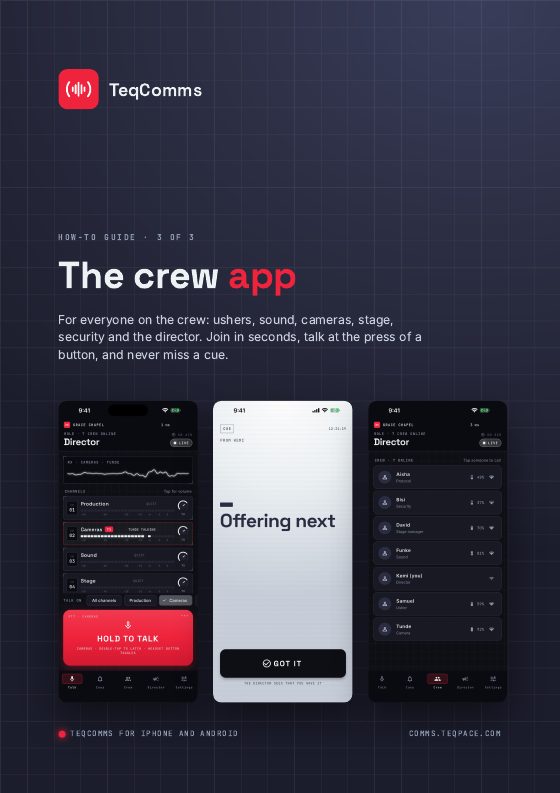
Cover of the crew app guide
Guide 3 · 14 pages

The crew app

For everyone on the crew, on iPhone or Android, including directors.

  • Join in seconds
  • Hold to talk, latch, channel volume
  • Cues, silent ushers, private calls
  • Director tools: all-call, talk keys, cues
  • Setup check, fixes, a 30-second pocket card
Download PDF · 3.8 MB

Not sure where to start? Hosts read guide 1 or 2. Send guide 3 to your crew before the service.

Support